The best first AI projects for federations, JCCs, synagogues and day schools are unglamorous: answering member questions from your own policies, drafting personal donor follow-ups for staff to approve, matching volunteers to needs, and sending Hebrew-calendar-aware reminders in Hebrew and English. Keep a person in the loop for anything a donor or family sees, treat donor data as a trust issue first, and start with one workflow you can measure.
Jewish community organisations run on relationships: donors who have given for decades, families who have belonged for generations, volunteers who show up when it matters. They also run on small teams, old databases and a constant flow of emails, forms and phone calls.
That combination makes them a good fit for practical AI. Not chatbots for the sake of it, but tools that give staff back time for the conversations only people can have. This guide covers where AI genuinely helps federations, JCCs, synagogues and day schools, what to watch out for, and how to start. For the wider picture of our work in this sector, see our page on technology for Jewish organisations.
Why this sector is different
A few things make Jewish organisations a specific case, and they shape every design decision:
- Two languages, two directions. Communications move between English and Hebrew, sometimes in the same message, with right-to-left text, transliterated names and Hebrew terms that general tools mangle.
- Two calendars. Programmes, holidays, b’nai mitzvah and memorials follow the Hebrew calendar, while finance, tax receipts and school terms follow the civil one.
- Long relationships. A donor record may hold decades of history, family connections and sensitivities that staff carry in their heads.
- Trust is the asset. Communities give because they trust the institution. A careless automated message can do real damage.
- Many systems. Donor databases, synagogue management software, school information systems, event registration and email tools, often not talking to each other.
Donor engagement
AI will not replace the personal call from a board member. It can make sure that call happens, and that the rest of the follow-up is timely and personal.
- Gift acknowledgements and follow-ups: drafts that reference the donor’s history and the campaign, in their preferred language, approved by staff before sending.
- Meeting preparation: a one-page brief before a donor meeting, pulled from your CRM notes, giving history and past conversations.
- Lapsed donor signals: flagging long-time donors whose pattern has changed, so a person reaches out.
- Campaign reporting: plain-language summaries of where a campaign stands, for the board and for staff.
The rule we apply: AI drafts, people decide. Nothing goes to a donor without a human approving it.
Member services and families
Staff at JCCs and schools answer the same questions every week: registration dates, programme fees, camp forms, security procedures, holiday hours, tax receipts. A member service assistant can answer these from your own published information, in English or Hebrew, and hand over to a person when the question is sensitive or unclear.
Good member assistants share three traits: they answer only from your approved content and show the source, they know when to hand over, and they log every question so you learn what your website should say more clearly.
Volunteer coordination
Volunteers are generous and busy. AI can help with the matching and the reminders:
- Matching volunteer skills, availability and language to needs (meal deliveries, visits, tutoring, events).
- Drafting reminders and thank-you notes.
- Summarising feedback after events, so coordinators see patterns without reading every form.
This works best when the volunteer data lives in a system the AI can read, which is often the first piece of real CRM development work.
Hebrew calendar and yahrzeit-aware reminders
This is a place where getting the details right shows respect. A yahrzeit reminder system needs to handle:
- Converting the date of passing to the Hebrew date, including whether the death occurred after sunset, which moves it to the next Hebrew date.
- Leap years, where a death in Adar raises the question of Adar I or Adar II. Customs differ, so let the family or rabbi set the preference on the record.
- Timing: observance begins the evening before, so reminders should arrive with enough notice for the family and for the minyan.
- Language and tone: the family’s preferred language, the right names and honorifics, and a message that reads as written by a person.
The calendar logic is ordinary, careful software. AI helps with the human layer: drafting a warm note, suggesting a personal touch from the record, and making it easy for staff to review. The same calendar engine can drive holiday programming, b’nai mitzvah planning and school schedules.
Bringing the systems together
Most of these ideas depend on one thing: the AI being able to see the right data, and only the right data. In many organisations, donor history lives in one database, membership in another, school records in a third and event registration in a fourth. Staff bridge the gaps with exports and spreadsheets.
Before any AI work, sketch a simple map: which system holds which records, who updates them, and which ones talk to each other. Often the most valuable first step is an integration that keeps one record of each family or donor up to date across systems. It makes every later AI feature more accurate, and it saves staff time on its own, before a single model is involved.
A practical test for any AI idea: could a new staff member do this task well with the information the system can see? If not, fix the data first.
Privacy and donor trust
Donor and member data includes giving history, family details, health and bereavement information, and sometimes children’s records. Treat it accordingly:
- No donor data in public AI tools. Write it down as policy, and give staff an approved alternative.
- Choose providers and settings where your data is not used to train models.
- Limit access by role. The volunteer assistant does not need giving history.
- Mask identifiers before text reaches an external model where you can.
- Keep logs of what was asked and answered.
- Know your law. In Canada that means PIPEDA, plus Quebec’s Law 25 for Quebec residents; in Israel, the Privacy Protection Law and Amendment 13; in the US, state laws vary. Your counsel decides; your system should be built to follow.
- Be open with your community about where you use AI and where a person always decides.
What not to automate
Some things should stay human, and saying so openly builds trust:
- Condolence and pastoral messages. AI may help staff find the right words, but a person writes and sends them.
- Major gift conversations. Preparation can be automated; the relationship cannot.
- Decisions about financial aid, scholarships or membership dues. Use AI to organise information, never to decide.
- Anything involving children’s information, unless the use is clearly justified and tightly controlled.
Where to start: a 90-day plan
- Weeks 1 to 2: pick one workflow. Member questions or donor acknowledgements are good candidates. Agree on one measure, such as staff time spent or response time.
- Weeks 2 to 4: get the data ready. Gather the approved content or connect the CRM. Write the AI usage policy.
- Weeks 4 to 8: pilot. A small group of staff, real messages, a person approving every output, every exchange logged.
- Weeks 8 to 12: decide. Compare against the baseline. Scale, fix or stop, and choose the next workflow.
Keep the first project small enough to finish. A working member assistant beats a stalled “AI strategy”.
Built by people who know the community
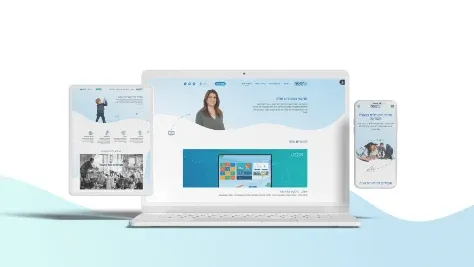
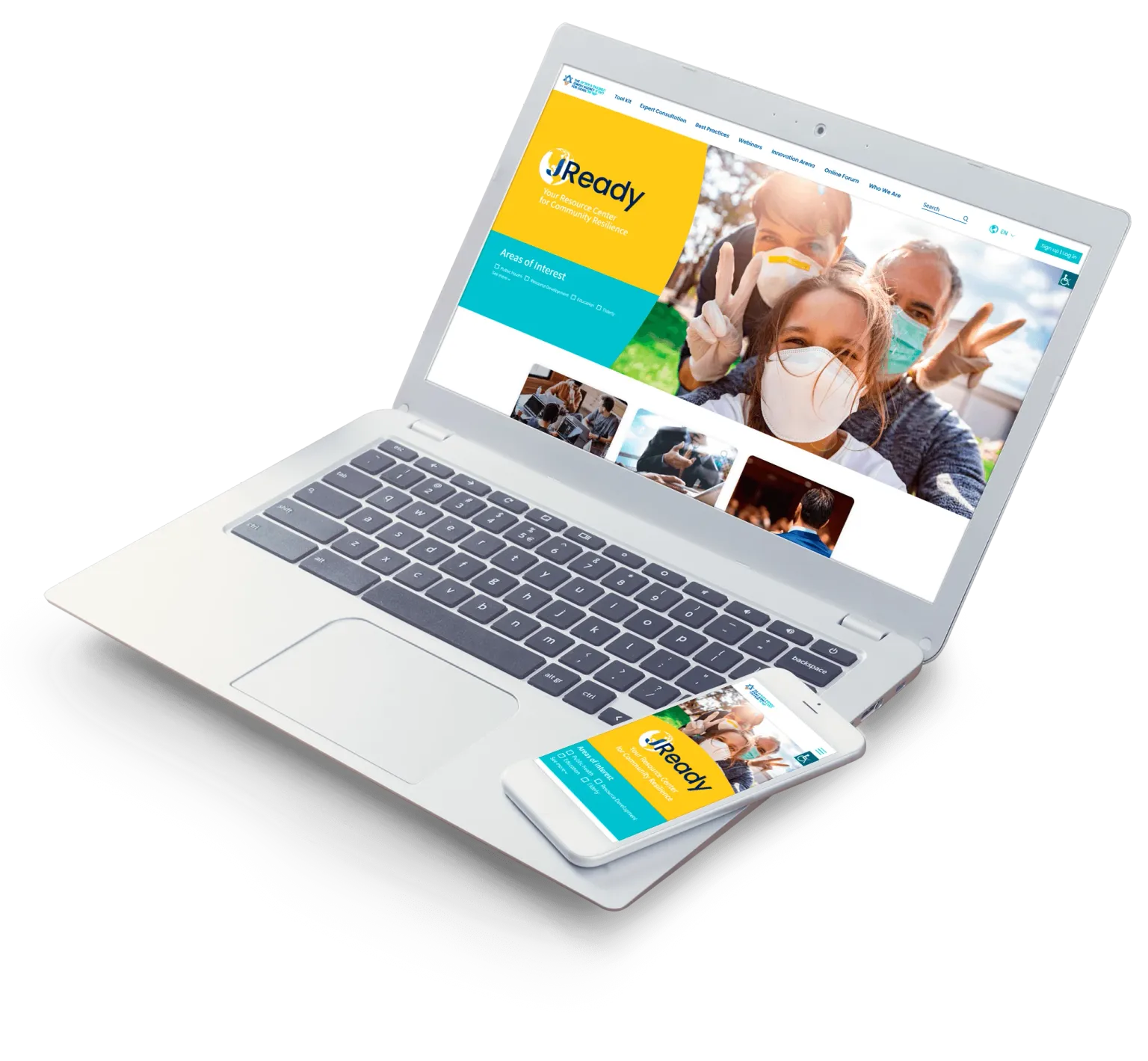
We designed and built jready, a multilingual website for the Jewish Agency that offers tools and information to communities around the world for handling COVID-19 and other emergencies. With offices in Toronto and Tel Aviv, our team works in English and Hebrew and understands both the community and the calendar.
Our AI implementation work starts with the workflow, not the tool, and our CRM team builds the data layer underneath. If you are a federation, JCC, synagogue or school thinking about where AI fits, tell us which workflow takes most of your staff’s time, and we will suggest a first step.