Before you brief anyone, decide who the app is for, what single job it must do on day one, and whether it truly needs the app stores or would work better as a web app. Then plan the parts people forget: the back office your team will use, analytics, push notifications, store accounts and maintenance. Those answers shape the scope, the timeline and the cost more than any feature list.
Most app projects that go wrong do not go wrong in the code. They go wrong in the first month, when nobody wrote down who the app is for, what it must do on day one, and who will run it after launch.
These are the twelve questions we work through with clients before we quote a single screen of mobile app development. Answer them, even roughly, and every conversation with a development team (ours or anyone’s) gets faster, clearer and cheaper.
Part 1: purpose and users
1. Who is the app for, exactly?
Not “everyone”, not “our customers”. Name the main user and the situation they are in when they open the app. A doctor in the middle of a shift, a parent on the bus, a field technician with gloves on. The situation decides the design more than any brand guideline.
2. What is the one job it must do on day one?
Write it as one sentence: “A [user] opens the app to [do this], and it is done when [this happens].” If you cannot write that sentence, the app is not ready to be built. If you have five sentences, you have five apps; pick one to start.
3. How will you know it worked?
Choose two or three measures before you start: weekly active users, completed bookings, time to complete a task, repeat visits. If you cannot measure success, you cannot decide what to build next.
Part 2: shape of the product
4. Does it need the app stores at all?
This is the most expensive question to get wrong. A quick test:
| You need… | Lean native (iOS and Android) | Lean web app |
|---|---|---|
| Regular push notifications | Yes | Possible, with limits |
| Camera, sensors, Bluetooth, offline use | Yes | Partly |
| Users arriving from links, QR codes or email | Yes | |
| Content that changes daily | Yes | |
| One product for desktop and mobile | Yes | |
| A presence in the App Store and Google Play | Yes | |
| Games or rich interaction | Yes, often with an engine such as Unity | Possible for lighter experiences |
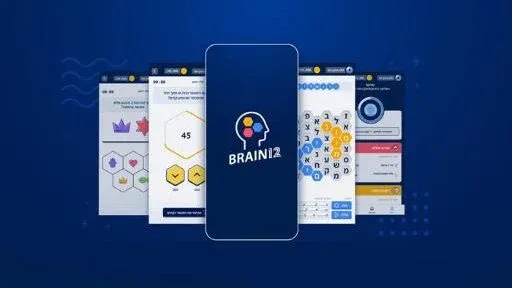
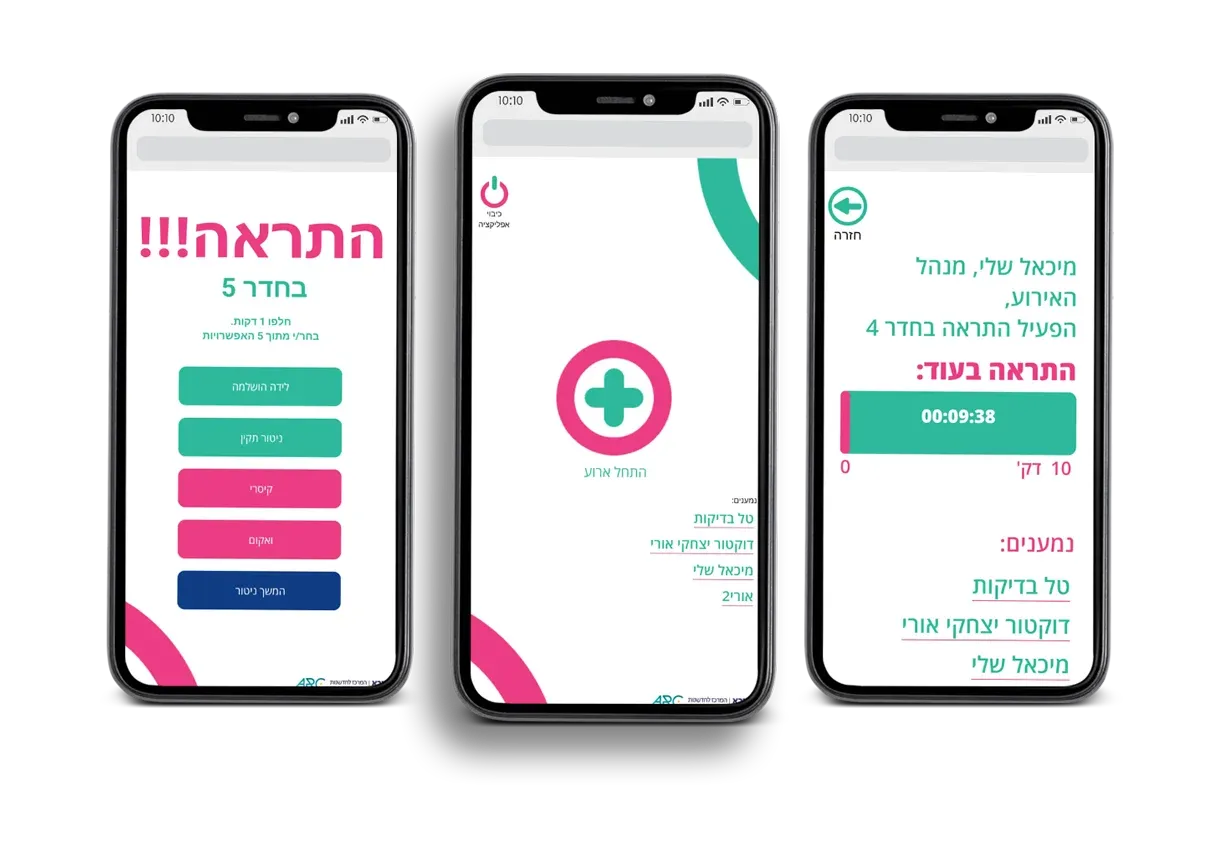
Sometimes the right answer is both. For Sheba Medical Center we built both a web app and a mobile app for vertigo cases. For Brain 12, a word puzzle built in Unity for Android and iOS, we also delivered a web version embedded in the Mako and N12 websites, so it reached players where they already were.
5. What is in the MVP, and what is explicitly not?
Write two lists. “In version one” holds only what the main user needs to complete the main job. “Not yet” holds everything else, and it is just as important, because it stops scope creep politely. Revisit the second list after launch with real usage data.
6. What does your team need behind the scenes?
Every app has a second product: the back office. Who adds content, manages users, answers support requests, changes prices or publishes new levels? If the answer is “a developer”, every change costs a release. Brain 12 included a custom level generator so the admins could keep adding levels and content without a new version of the app. Plan the back office in the first scope, not after launch.
7. What does it connect to?
List every system the app must read from or write to: CRM, payments, booking, ERP, identity, existing databases. Integrations are often where the real complexity hides, especially with older systems that have no clean API. If the app needs to sit inside a wider platform, that is custom software development as much as app work.
Part 3: running it
8. What will you measure inside the app?
Decide which events you will track (sign-up, key action completed, drop-off points) and set up analytics before launch, not after the first board meeting. The use case we delivered for Keshet and Mako, the Pop Pop rhythm game, shipped with game analytics, push notifications and a management system from the start.
9. How will you talk to users after they install?
Push notifications, email, in-app messages. Each needs a purpose, a frequency rule and an opt-in that respects the user. Notifications are a privilege; abuse them and users switch them off, or uninstall.
10. Who owns the accounts, the code and the data?
The App Store and Google Play developer accounts, the code repository, the servers and the analytics should all be in your organisation’s name. Agree on this in writing before work starts. It costs nothing and saves enormous pain later.
11. Who maintains it, and how?
Apple and Google release new operating system versions every year, store policies change, libraries need updates, and real users find real bugs. An app without a maintenance plan starts to age the day it launches. Decide who owns maintenance, how fast bugs get fixed, and how new features get prioritised.
12. What happens if it succeeds?
More users, more content, more requests for features. Ask whether the back end can grow, whether the design can take new sections without a redesign, and whether the team can scale with you. Planning for success is cheaper than rebuilding because of it.
What drives the cost (without a price list)
We do not publish app prices, because the honest answer depends on the twelve questions above. These are the factors that move the scope the most:
- Platforms: iOS, Android, web, or a combination.
- Screens and flows: how many, and how complex.
- User roles: one type of user, or customers, staff, admins and partners.
- Back office: from a simple content editor to a full operations system.
- Integrations: payments, CRM, booking, legacy systems.
- Special features: maps, video, AR, real-time data, offline mode.
- Design depth: adapting a design system, or crafting a custom experience.
- Security and compliance: health, financial or children’s data raise the bar.
- Maintenance: updates, monitoring and support after launch.
The most effective way to control cost is a tight MVP. Every “not yet” item is a decision you can make later, with better information.
Red flags in a proposal
Once you have answers, you will start getting proposals. Watch for these:
- No back office in the scope, when your team will clearly need to change content.
- No analytics or measurement plan.
- No mention of maintenance, store submission or operating system updates.
- Code, accounts or servers that stay in the vendor’s name.
- A fixed feature list with no MVP discussion, which usually means nobody asked what matters most.
Turn your answers into a brief
Put your answers on two pages: the user, the one job, the measures, native or web, the MVP and “not yet” lists, the back office, integrations, analytics, notifications, ownership and maintenance. That document is worth more than any feature list, and it lets any team give you a realistic plan.
Good design work starts here too. Our UX/UI design process turns these answers into flows and a clickable prototype you can put in front of real users before writing production code.
If you would like a second pair of eyes on your answers, send them to us. We will tell you what we would build first, what we would leave for later, and where the hidden complexity is likely to sit. No dinosaurs were consulted in the writing of this checklist, but plenty of shipped apps were.