Packaged synagogue, JCC and federation platforms are the right choice for most organisations: they handle membership, dues, giving, events and a basic website well. Extend them when the gaps are small, integrate them when the problem is data scattered across several systems, and build only the piece the market does not offer, such as a donor portal across entities or a bilingual site that treats Hebrew properly. Decide on data, privacy and staff time, not on features.
Most Jewish community organisations run on packaged software, and most of them should. A synagogue with a small office does not need a custom system. It needs a platform that handles membership, dues and giving, and that someone else keeps running.
The question gets harder as the organisation grows. A federation with partner agencies, a JCC with a pool, a camp and a preschool, or a day school with a foundation attached: these run several programmes, each with its own data, and the package that fits one of them rarely fits all of them. This guide is for executive directors and IT leads deciding what to keep, what to connect and what, if anything, to build. For the wider picture of our work in the sector, see technology for Jewish organisations.
What packaged platforms do well
The market for synagogue, JCC and federation software is mature. You will find a few broad categories, often combined in one product:
- Synagogue management systems. Member households, dues and billing, pledges, yahrzeit lists, life-cycle events, seat and room bookings, and a member portal.
- Donor CRMs and fundraising suites. Donor records, campaigns, gift processing, receipts, moves management and reporting, usually built for larger nonprofits and federations.
- Online giving and payment tools. Donation pages, recurring gifts, campaign pages and peer-to-peer fundraising, with card processing handled by the provider.
- Registration and programme tools. Classes, camps, events, tickets and waitlists, sometimes with attendance and check-in.
- School information systems. Admissions, enrolment, tuition, report cards and parent communication for day schools.
- Hosted website builders. Templates built for congregations and nonprofits, with calendars, donation buttons and news.
- Email and SMS tools. Newsletters, segments and automated messages.
These platforms do the common things well because thousands of organisations have asked for the same features. They also take care of maintenance, security updates and support. That is worth a lot, and it is why the default answer for a single congregation is “buy”.
Signals that you have outgrown the package
Outgrowing a platform shows up as friction that staff learn to live with. Watch for these:
- One family, five records. The same household exists in the membership system, the donor CRM, the school system and two registration tools, with different spellings and addresses.
- Reports that take days. Every board meeting starts with someone exporting spreadsheets and merging them by hand.
- Donors cannot see their own history. A supporter who gives to the annual campaign, pays school tuition and registers for camp has no single place to see it all.
- Workarounds have owners. A staff member is the only person who knows how a process actually works, because half of it lives outside the system.
- The vendor’s roadmap is not yours. You have asked for the same change for years, and it is not coming.
- Hebrew is an afterthought. The Hebrew side of the website lags behind, names display wrongly, or Hebrew dates are typed in by hand.
- Every new programme adds a login. Growth means another subscription, another export and another list.
One or two of these is normal. Four or more, and the cost of staying put is already being paid, just in staff time rather than invoices.
Extend, integrate or build
When the package stops fitting, there are three paths, and most organisations use more than one.
Extend
Use the platform’s own settings, custom fields, automations and approved add-ons, or have a developer build on its API. This fits when one system covers most of the job and the gaps are specific: a custom report, an extra form, an automated reminder. It keeps staff on screens they know.
Integrate
Connect the systems you already run so that data flows between them. Decide which system is the source of truth for each kind of record (donors in the donor CRM, students in the school system, members in the synagogue platform) and sync the rest from there. This fits the most common problem in larger Jewish organisations: not a bad system, but too many good ones that do not talk to each other.
Build
Build the piece the market does not offer, and connect it to what you have. Typical examples are a donor portal that shows giving across several entities, a registration flow that spans the JCC, the camp and the school, or a bilingual website where Hebrew and English are equal. Building rarely means replacing everything. It means owning the one part that is specific to how your community works.
Our custom CRM vs off-the-shelf guide covers the same choice for CRMs in general. For Jewish organisations, the integrate path is usually the right first step.
Donor data and privacy
Donor and member data is a trust issue before it is a technical one. Families tell you about deaths, simchas, finances and children. Whatever you choose, ask how it handles the following:
- Collect less. Every field you store is a field you must protect. If you do not use it, do not collect it.
- Access by role. A volunteer coordinator does not need giving history; a school administrator does not need a donor’s pledges.
- Payments stay with the processor. Card details should live with your payment provider, not in your own database or website.
- No real data in testing. Test and staging systems should use made-up records.
- An audit trail. You should be able to see who viewed or changed a record, and when.
- Know where data lives. Ask which country your data is stored in and which vendors process it.
- Consent and preferences. Respect how each family wants to be contacted, and in which language.
The rules differ by country, province and state, and Canadian, American and Israeli organisations each have their own privacy obligations. Check what applies to you with your own advisers. A good partner will build to those requirements and document what was done. If you are also thinking about AI on top of donor data, read AI for Jewish organisations first.
Hebrew and English, properly
Bilingual support is where generic platforms most often fall short for Jewish organisations. “Supports Hebrew” can mean anything from a translated button to a system built for both languages. Ask about:
- Right-to-left layout. Not just text alignment, but navigation, forms, tables and email templates that mirror correctly.
- Mixed text. An English sentence with a Hebrew name, or a Hebrew paragraph with a phone number, should display in the right order.
- Names in two scripts. A Hebrew name for aliyot and yahrzeit notices, an English name for receipts, stored as separate fields.
- Hebrew dates. Yahrzeits, bar and bat mitzvah dates and holidays calculated from the Hebrew calendar, not typed in each year.
- Search across spellings. Staff should find a family whether they type the Hebrew, the English or a transliteration.
- Accessibility. Screen readers and keyboard navigation that work in both directions.
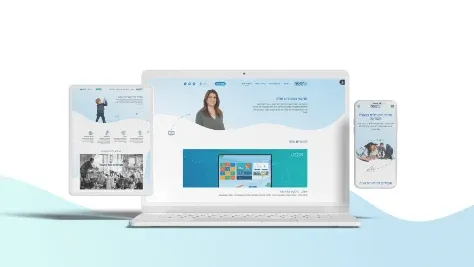
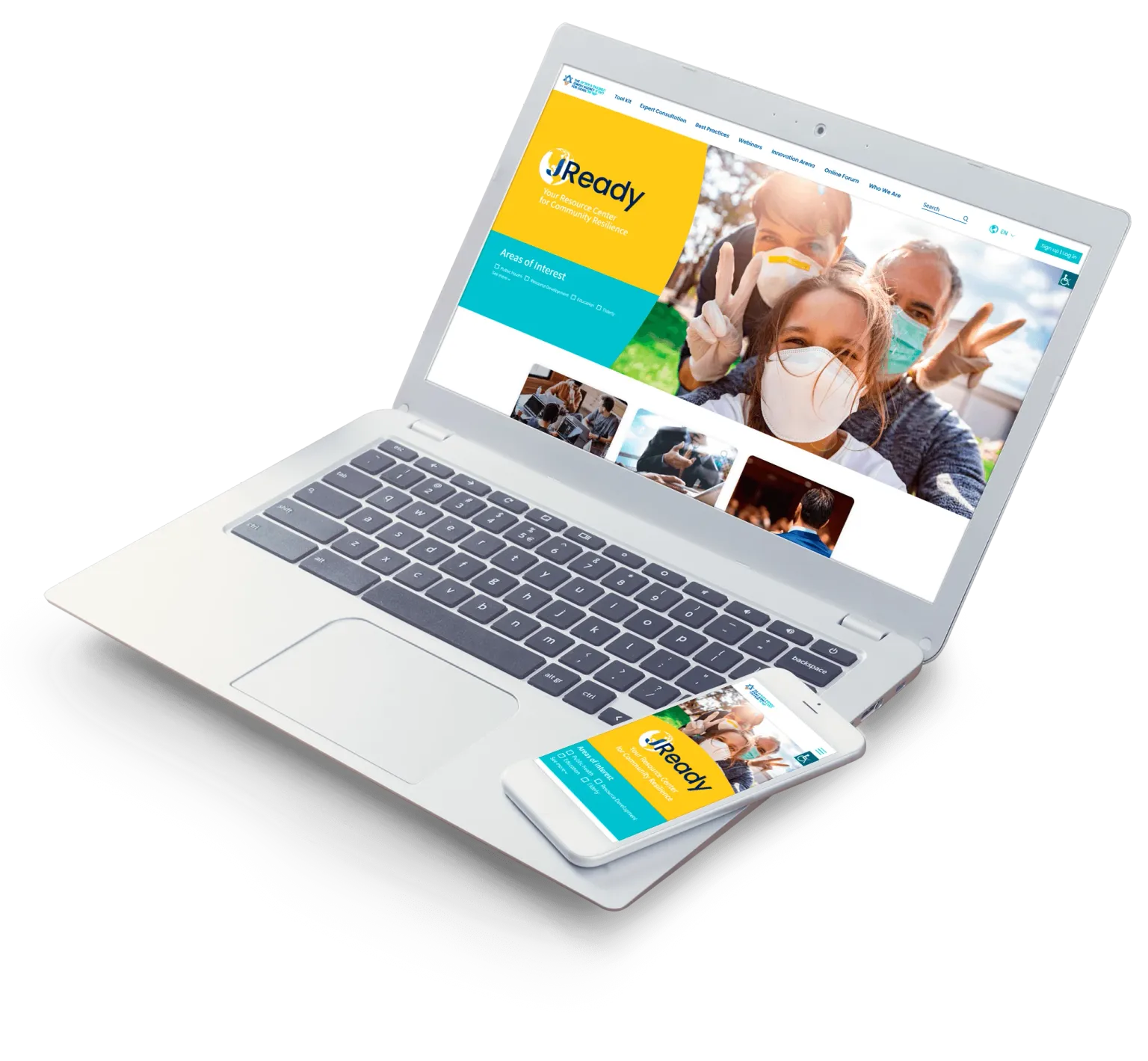
We designed and developed JReady for the Jewish Agency, a multilingual website serving communities around the world, and built the website for CET, which develops educational platforms for schools and teachers. On multi-audience sites, details like these decide whether people trust the system. Our web development page covers how we build them.
The decision table
Score your situation against each row. The column with the most matches is your starting point.
| Signal | Keep the SaaS | Extend or integrate | Build a piece |
|---|---|---|---|
| Size and structure | One congregation or programme | Several programmes, one main system | Several entities, each with its own systems |
| Data | One system holds most of it | Two or three systems, some double entry | Many systems, no single view of a family |
| Reporting | Built-in reports are enough | Regular exports and merges | Board reports take days of manual work |
| Donor experience | Standard giving pages work | Donors need a few extra features | Donors need one view across entities |
| Hebrew and English | Basic Hebrew is fine | Hebrew content needs work | Hebrew and English must be equal |
| Staff time on workarounds | Little | Some, in known places | A lot, spread across teams |
| Vendor fit | The roadmap covers your needs | Gaps are fixable through the API | The gap is unique to your organisation |
If you land between columns, start with the lighter option and design so you can move later.
Questions to ask before you decide
- Which system should be the source of truth for donors, members, families and students?
- What do staff do outside the system every week, and how long does it take?
- Which reports does the board need, and how are they produced today?
- Which systems have an API, and what does the vendor allow you to connect?
- Where is our data stored, and who processes it?
- Who will own the system after launch, inside the organisation and outside it?
- What is the smallest piece we could build or connect first, and how would we know it worked?
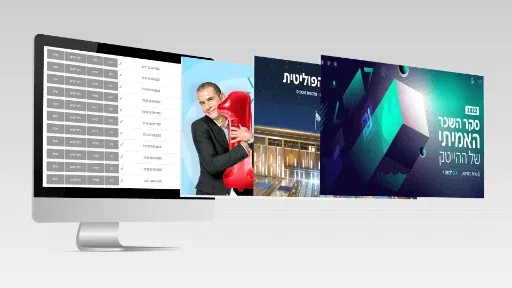
And for any partner, us included: who owns the code and the data, what happens if we part ways, and can you show us a system you still support years after launch? We have worked with Keshet for over five years and still develop OnePager, the content tool Keshet 12 uses to publish, so long-lived systems are familiar ground for us.
Where to start
Pick the problem that costs your staff the most time, whether that is scattered donor data, member questions or a website that cannot keep up in Hebrew, and start there. Most good projects in this sector begin with one integration or one portal, not a new platform. See our CRM development page for how we approach the data side, and tell us about your current systems. We will come back with the path we would take, including when the honest answer is to keep what you have.